How to assess your team’s Proxmox VE learning needs
A Proxmox team skills assessment helps an IT manager identify learning needs by listing the work the team must do, asking staff to explain or demonstrate tasks safely, and recording gaps against each person’s responsibilities. Use the findings to plan learning and supervised practice; course attendance alone does not establish production readiness.
This worksheet is for managers and technical leads preparing teams to operate virtual infrastructure, including those moving from another hypervisor. It assumes basic virtualisation and Linux knowledge. It focuses on Proxmox VE, rather than a separate course in Proxmox Backup Server or Mail Gateway. Adapt it to your environment, software version, storage design and operating procedures.
Start with responsibilities, not job titles
For the next six to twelve months, list the services and tasks the team will own. As part of management planning, identify the roles responsible for creating and changing virtual machines, reviewing backup failures, and approving or carrying out recovery. If there is a cluster, decide who investigates lost network connectivity or storage problems. Name primary and backup owners for each responsibility. Staff with skills from another virtualisation platform may understand the concepts but still need to learn Proxmox VE terminology and controls.
Ask the service owner which systems matter most to the business, what change windows apply, and when operations pass to a vendor or another team. Record the environment version and whether storage is local or shared. Do not include customer names, passwords or infrastructure diagrams in a training brief without the owner’s approval.
Use a practical skills matrix
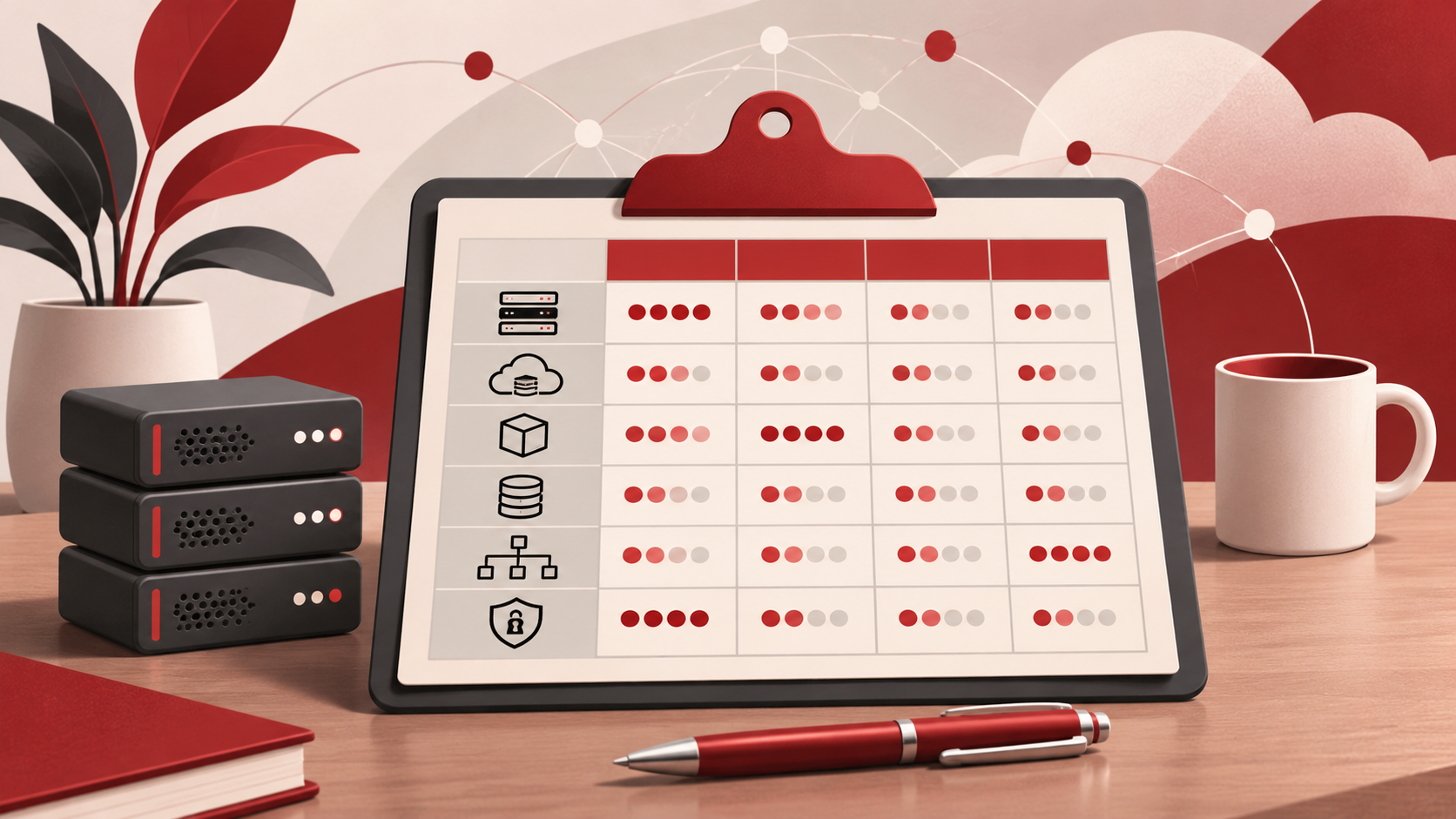
For each responsibility, record observed evidence: explain, practise with guidance, demonstrate independently in a lab, or needs assessment. These are planning labels, not a certification. Agree who observes each exercise and what evidence is sufficient. Record the result against the team’s skills and knowledge, not assumptions.
Assessment matrix
Single-node administration: Can the engineer explain how a guest, its network and storage relate? Establish a foundation before routine changes.
Access and changes: Can the engineer identify who approves a change and how to verify the result? Clarify permissions, security, review and escalation.
Backup and restore: Can the engineer find the approved recovery procedure and explain how to check a restored service? Practise recovery in an authorised, isolated lab.
Cluster operations: Can the engineer explain quorum, node connectivity and when to escalate a fault? Build multi-node skills when the role requires them.
Shared storage and HA: Can the engineer describe storage dependencies and the limits of high availability? Assess against the storage and recovery design in use.
Troubleshooting: Can the engineer gather relevant observations and identify a safe next step? Practise reasoning without changing production.
Do not average away a critical gap. If only one person can explain recovery, that is a coverage risk, even if the team average looks strong. Record uncertainty when a demonstration has not taken place. Use the matrix to guide the learning process and keep supporting documentation.
The official Proxmox curriculum separates single-server deployment and management from clustering and shared storage. The first course covers networking, guest management, permissions and backup concepts; the second covers cluster components, shared storage, HA and failure scenarios. Its stated requirements say clustering participants should have completed Deployment and Management. Check current course details with the training provider before booking.
Turn gaps into a learning plan
Choose a few priority tasks for each person. A new administrator can start with core single-node concepts and a supervised guest restore. An experienced administrator taking on cluster duties should check their foundation, then practise quorum, storage and escalation. Managers need enough understanding to ask informed questions, even when another engineer makes the change. Match learning to each role, the company’s project and its virtualisation environment.
For every priority, record an owner, learning activity, practice opportunity, observer and review date. Keep training separate from access approval: course completion does not authorise production changes. Arrange cover and hand over urgent work while team members attend training.
ReadySpace Academy’s Proxmox Official Training page explains the two module scopes and bundle. Its English registration page describes live, instructor-led online delivery in UTC+8 and a Certificate of Completion after successful participation. This certificate is not an examination-based professional certification or a guarantee of operational competence. Use the course information as a reference, and confirm current dates and conditions.
Try a bounded assessment exercise
This is a proposed exercise, not a test we have performed. Use synthetic data and the organisation’s documented procedures in a disposable lab approved by its owner. Before starting, confirm the Proxmox VE version, lab topology, network isolation, storage type and how to discard or recover the lab. Never use it to change a production cluster.
- Ask the learner to identify a lab guest, its network connection and the location of its virtual disk.
- Present a fictional change request. Ask them to explain the required approval, prerequisites, expected effect and checks they would make before acting.
- Ask how they would select a backup and verify a restored guest with the service owner. If a restore is authorised, follow the lab documentation and agree stop conditions first.
- In a clustered lab, ask what they would check if a node were unavailable and when they would escalate. Simulate no failures without explicit lab-owner approval.
- Record what the learner demonstrated, what they explained but did not test, and the next learning activity. Do not record credentials or private configuration.
An isolated lab cannot establish production recovery time, capacity or failure behaviour. Validate production procedures separately through the organisation’s change and recovery processes.
Illustrative example
Consider a fictional Singapore manager whose four engineers manage virtual machines on another platform. Two will operate a new single-node Proxmox VE service, while the other two provide cover. All four can explain virtualisation, but none has demonstrated the proposed backup restore checks on Proxmox VE. The manager prioritises single-node foundations and supervised restore practice, recording cluster training for later if the operating model changes. This illustrates a planning choice, not a real customer outcome.
Check whether the plan is working
Review progress after practice, not simply course attendance. This management checklist helps track the learning process and practical skills:
- Every priority responsibility has a named primary and backup owner.
- Each learning gap has an activity, observer and review date.
- Engineers can explain the limits of their access, security responsibilities and escalation path.
- A lab record distinguishes successful checks, failures and untested dependencies.
- The company’s service owner has reviewed the recovery procedure and outstanding gaps.
These checks do not guarantee uptime or a successful recovery. Repeat the assessment when the service, storage design, team, operational needs or responsibilities change.
Frequently asked questions
Must everyone take the full bundle?
No. Match training to each role, existing knowledge and responsibilities. The bundle combines both modules, so check the provider’s current course information and prerequisites before enrolling.
Is experience with another hypervisor enough?
It provides a useful foundation, but assess Proxmox-specific terminology, workflows and procedures through discussion and authorised practice. Do not assume the software behaves identically across platforms.
Does a Certificate of Completion prove production readiness?
No. It records completion under the course conditions; it is not an examined professional certification. Readiness also depends on demonstrated skills, local procedures, access approval and the specific environment.
Choose the next learning step
Use your completed matrix to compare the Proxmox VE modules and prepare questions about your team’s experience and responsibilities. Explore the English Proxmox VE training and registration options, including the current schedule and conditions.